Computer Vision Syndrome
- mrsaepts
- Aug 14, 2023
- 3 min read
BY Chutiya Chitboonthaweesuk, Phornnattha Kongsatitphan, Tanyarat Saelor
EDITED BY Chate Therdkiet, Shinnisha Chulapongwanich
Computer Vision Syndrome
What is Computer vision syndrome?
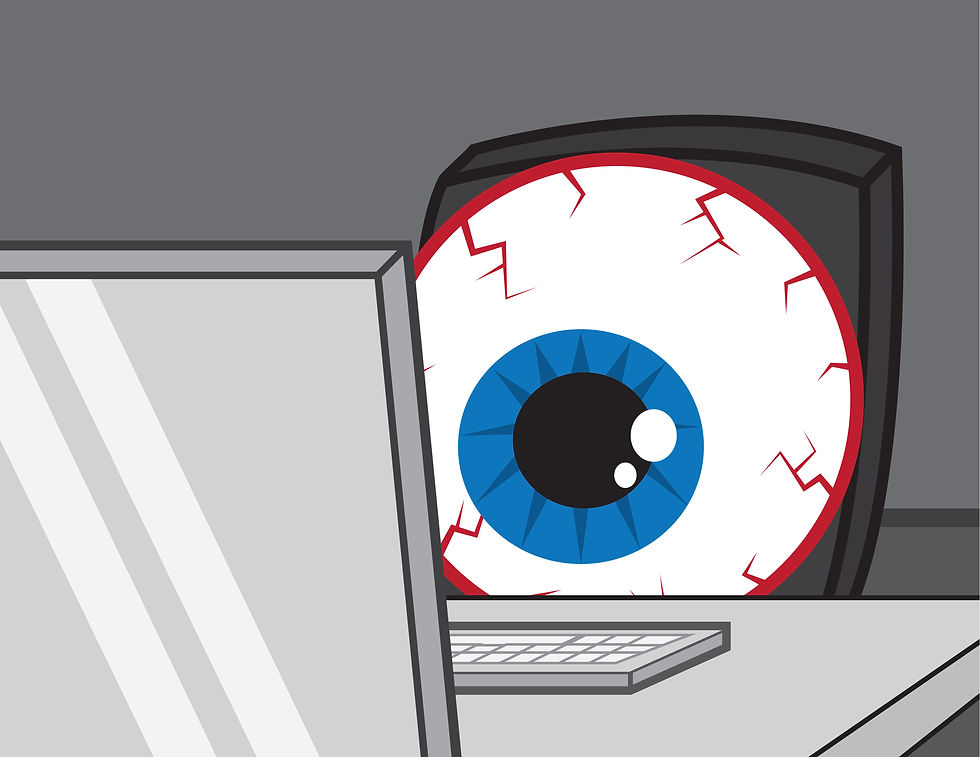
Computer vision syndrome (CVS), also known as Digital Eye Strain, is a condition characterized by a group of eye-related symptoms that results from prolonged and excessive use of digital screens. As technology becomes an integral part of daily life, the prevalence of computer vision syndrome has increased significantly. Nowadays, people of any age range who have long durations of screen time may also experience issues, especially if the lighting and postures are not ideal.
Causes and symptoms
Using a computer or digital screen often makes the eyes work harder. As a result, the high visual demands of computer and digital screen viewing make many individuals susceptible to the development of vision-related symptoms. Several factors that cause computer vision syndrome are screen glare, poor lighting, poor posture while using a computer, viewing a computer at a distance and angle — sitting too close, too far from the screen or looking at screens from a false angle, improper use of eyeglasses or contact lenses and uncorrected vision problems for example nearsightedness and farsightedness.
Symptoms of computer vision syndrome include eye irritation, blurred vision, double vision or focusing problems, increased tear evaporation, light sensitivity, headaches, backaches, neck aches, and muscle fatigue. Although the syndrome has not been found to cause any permanent damage to the eyes, if left untreated, it usually causes a high degree of eye discomfort and interferes with daily activities.
Risk factors
There are various risk factors associated significantly with Computer Vision Syndrome which include:
Long duration of computer usage: By spending two or more hours continuously staring at a computer screen or other digital devices will increase the risk of getting diagnosed with Computer Vision Syndrome.
Having uncorrected vision: Uncorrected vision refers to visual acuity when no glasses or contact lenses are used.
Inadequate lighting: Having poor lighting while working on screen and the presence of glare and reflections will result in our eyes having to constantly refocus which will cause irritation and discomfort.
Inappropriate seating positions: Improper distance between the reader’s eye level and the screen and unhealthy seating positions contribute a lot to being at risk of obtaining Computer Vision Syndrome.
Treatment
Computer vision syndrome can be treated by followings:
Change the lighting around the surroundings in order to reduce the chance of causing effects. This includes the installation of a dimmer switch for the overhead fixtures if they are too bright, or get a desk lamp with a moveable shade that casts light evenly over your desk.
Take frequent breaks from the screen. For every 20 minutes, give your eyes a break by looking at something else for about 20 seconds.
Blink often to keep your eyes moist. If they feel dry, eye drops are recommended.
Find the brightness, contrast, and font size that fits the best for each individual.
Visit ophthalmologists regularly for exams and keep the prescriptions up to date.
Choose the best position for the screen, which is approximately 20 to 28 inches away from your face.
The manmade sources of blue light include fluorescent and LED lighting that consists mainly in the sun, and within most electronic devices, such as, flat-screen televisions, and the display screens of computers, electronic notebooks, smartphones, and other digital devices. However, nowadays, there are light filtered glasses and lenses, which are used to protect against blue light. For general use, eyeglasses and contact lenses are prescribed.
Solutions to computer vision syndrome can be varied. However, it can usually be alleviated by obtaining regular eye care and making changes to how the screen is viewed. In addition, persons already wearing glasses may find their current prescription does not provide optimal vision for viewing a computer.
Work cited:
“Computer Vision Syndrome”. AMERICAN OPTOMETRIC ASSOCIATION, https://www.aoa.org/healthy-eyes/eye-and-vision-conditions/computer-vision-syndrome?sso=y.
“Computer Vision Syndrome”. Cedars Sinai,
“Computer Vision Syndrome - Symptoms and Causes”. Penn Medicine, https://www.pennmedicine.org/for-patients-and-visitors/patient-information/conditions-treated-a.
“Computer Vision Syndrome (CVS): A Whole Range Of Eye Strain And Discomfort Caused Due To Digital Life”. Bangkok Hospital, https://www.bangkokhospital.com/en/content/computer-vision-syndrome.
“Lenses to Protect Your Eyes From Blue Light”. Essilor, https://www.essilor.co.th/en/products/blue-light-filter-lenses.
“Times changin': bringing new syndromes”. Harvard Health Blog, 1 July. 2016, https://www.health.harvard.edu/blog/times-changin-bringing-new-syndromes-201607019844.
“What Is Computer Vision Syndrome?”. WebMD, https://www.webmd.com/eye-health/computer-vision-syndrome.
“7 Ways to Ease Computer Vision Syndrome”. Healthline, 4 Mar. 2021, https://www.healthline.com/health/eye-health/computer-vision-syndrome.

Comments